
Step 1: Create Workflow in Integrately #
Login to Integrately
Step 2: Setup WhatsApp Notifications and Alerts by SyncMate #
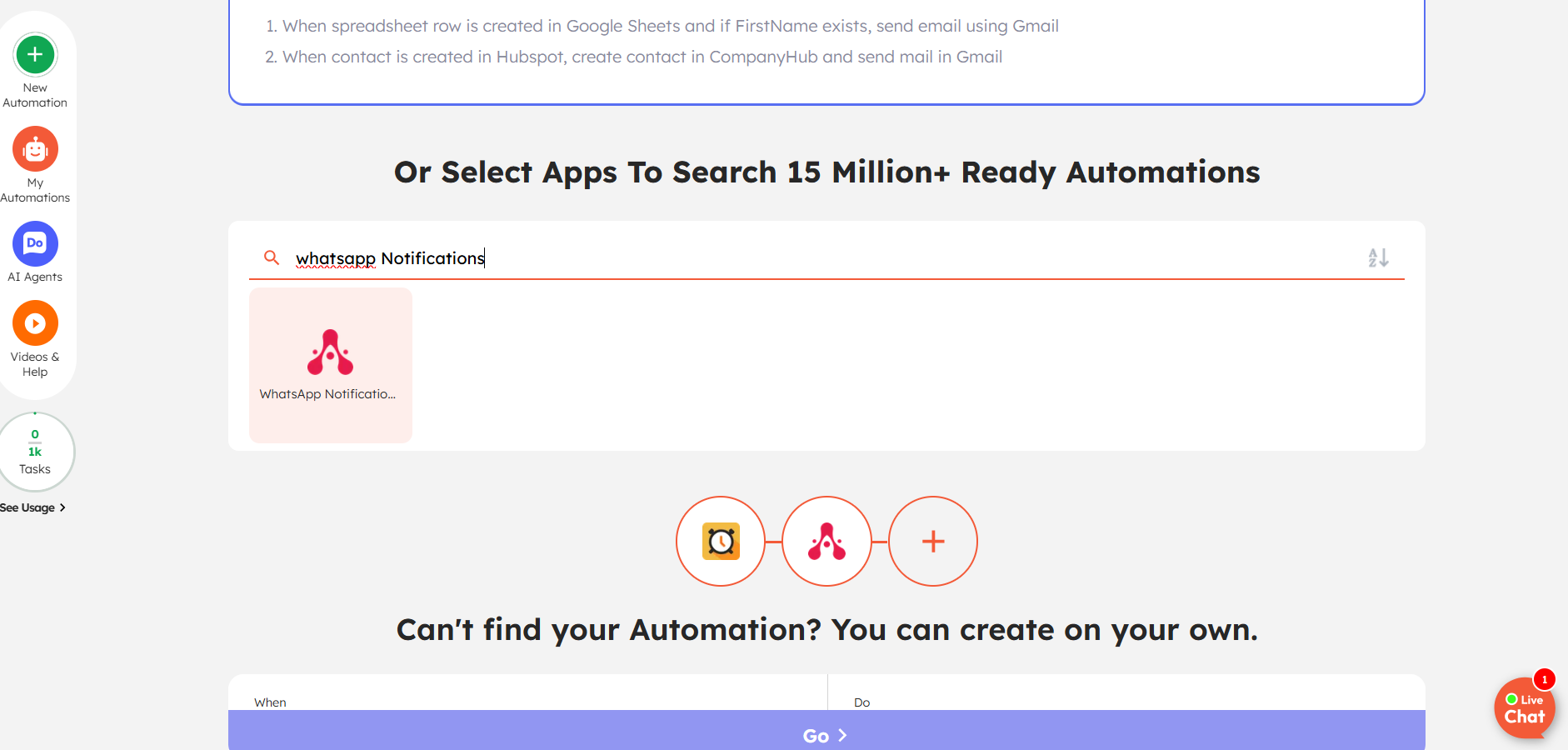
Search for WhatsApp Notifications and Alerts by SyncMate
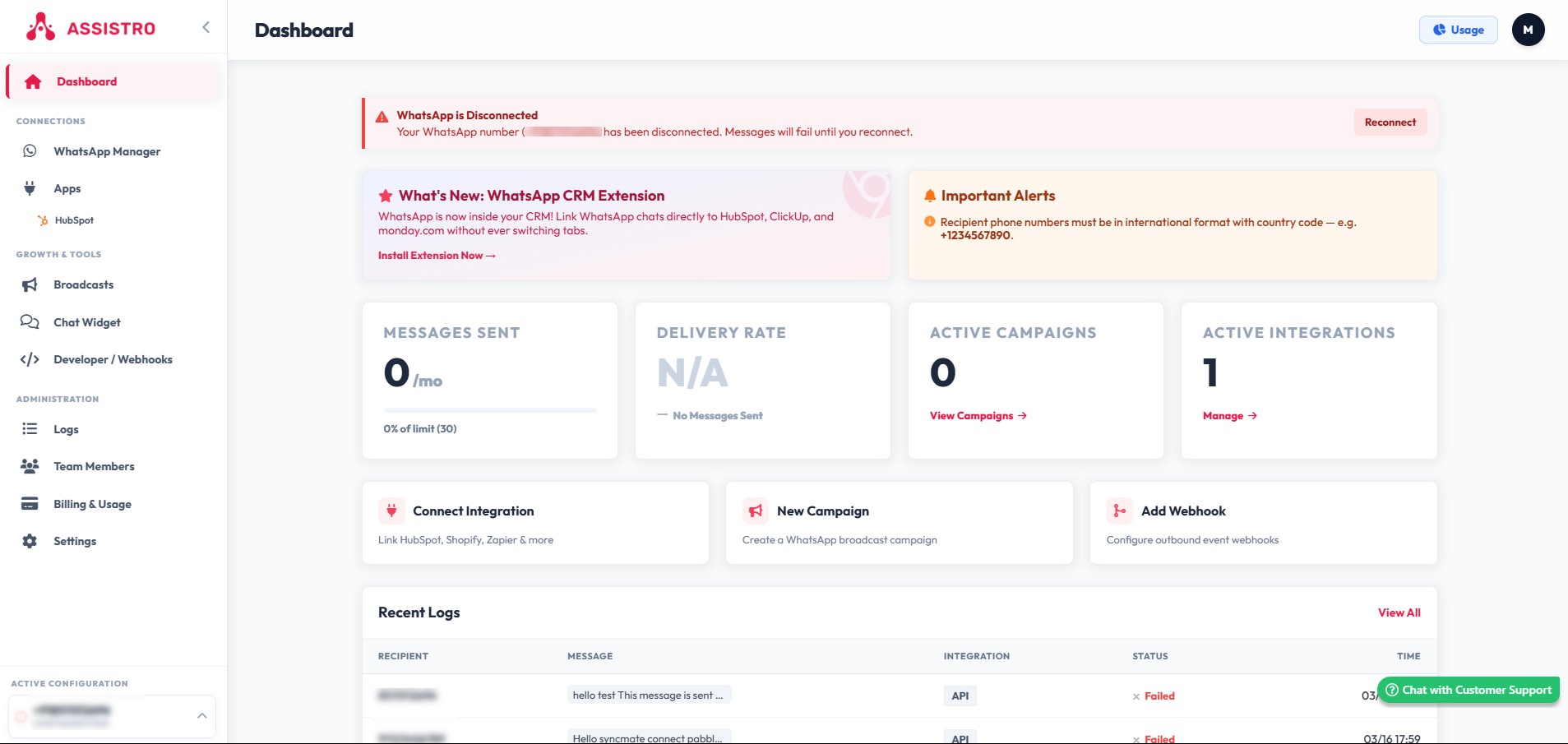
Go To Assistro app to activate and get token to connect with Integrately
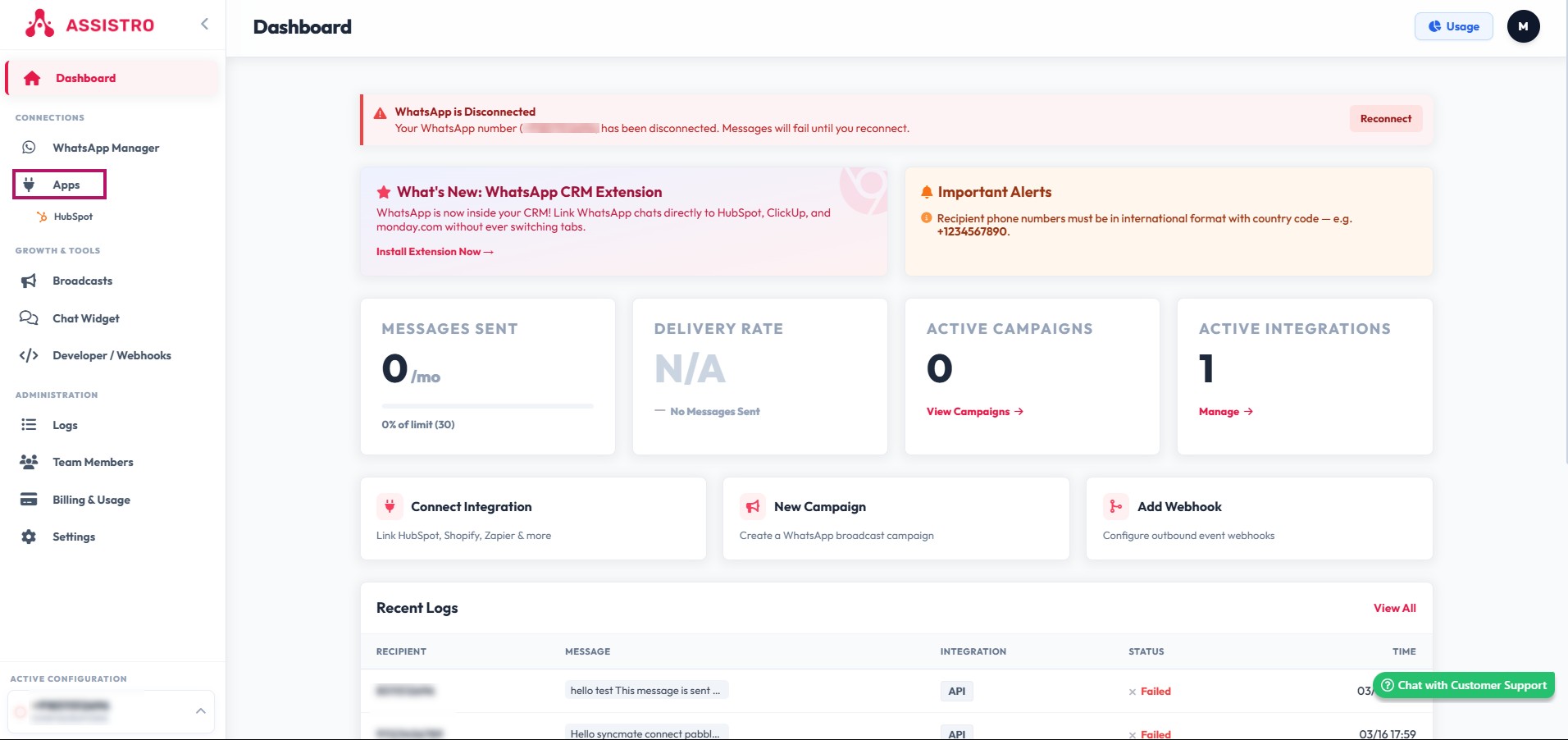
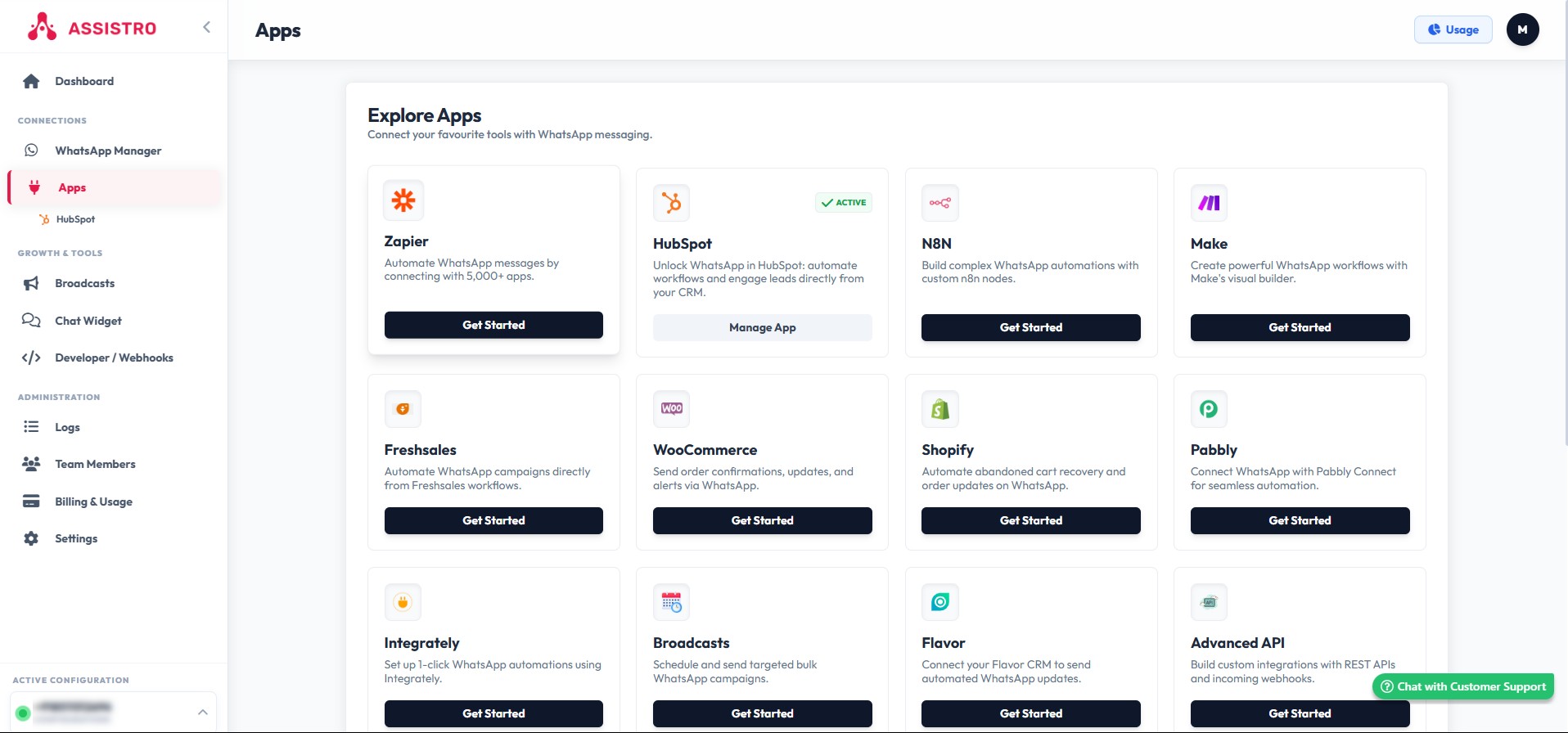
Select Apps module
Click on N8N App Get Started Button.
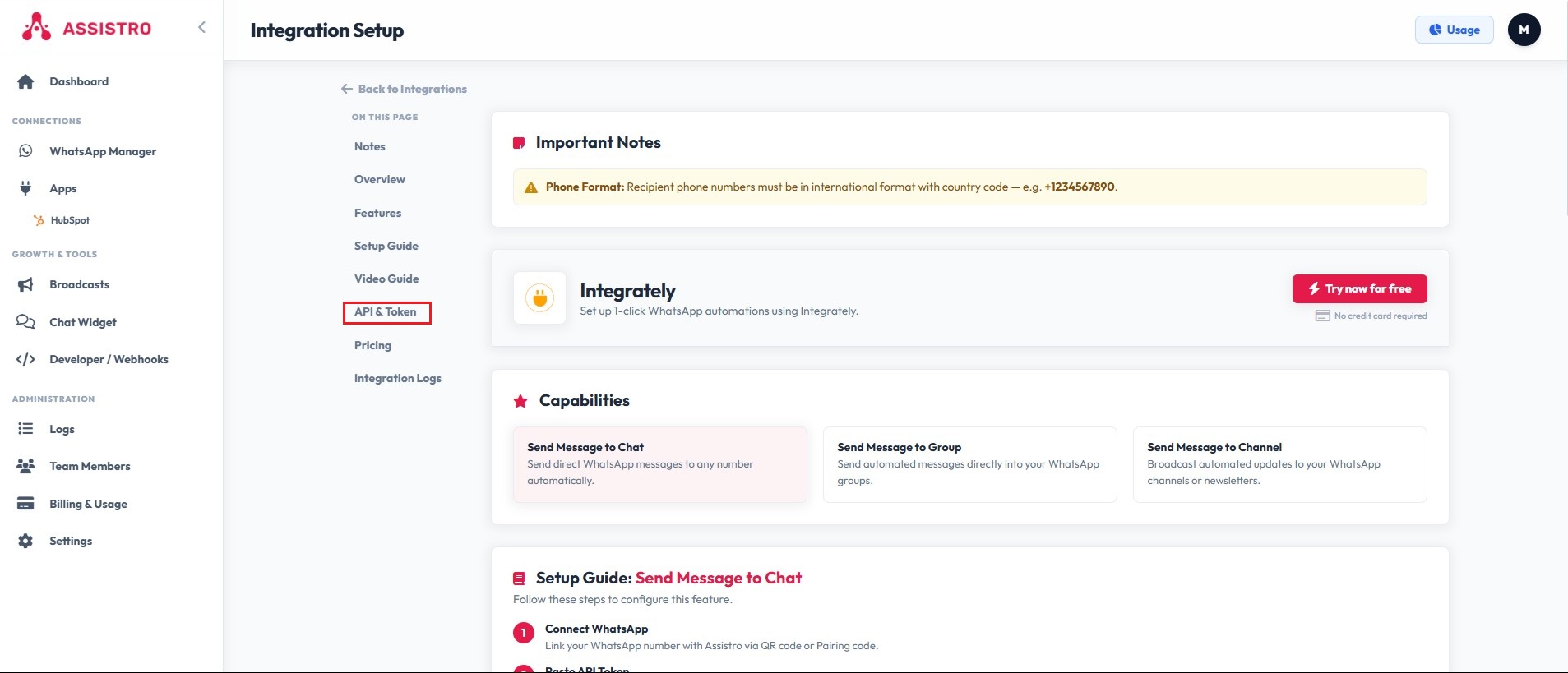
Select API & Token
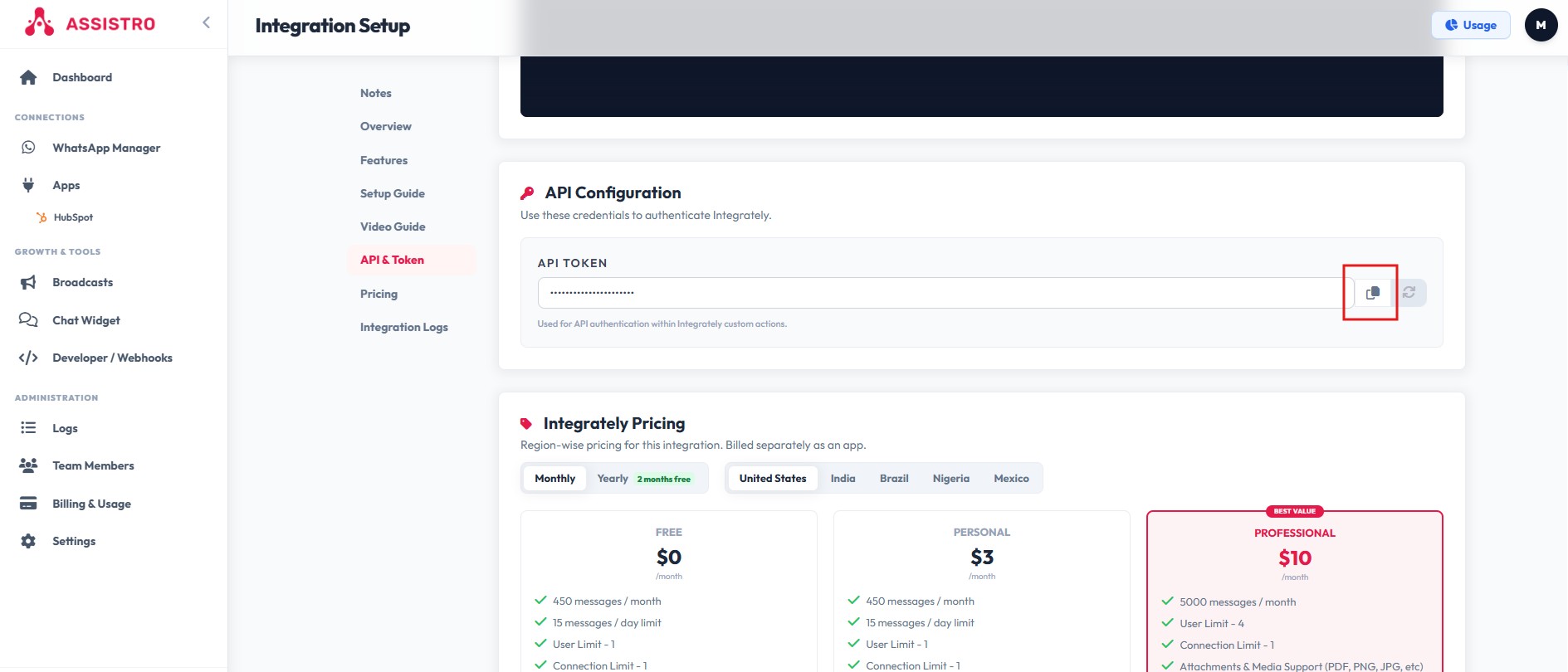
Click the icon to copy API TOKEN
Paste copied Token API here
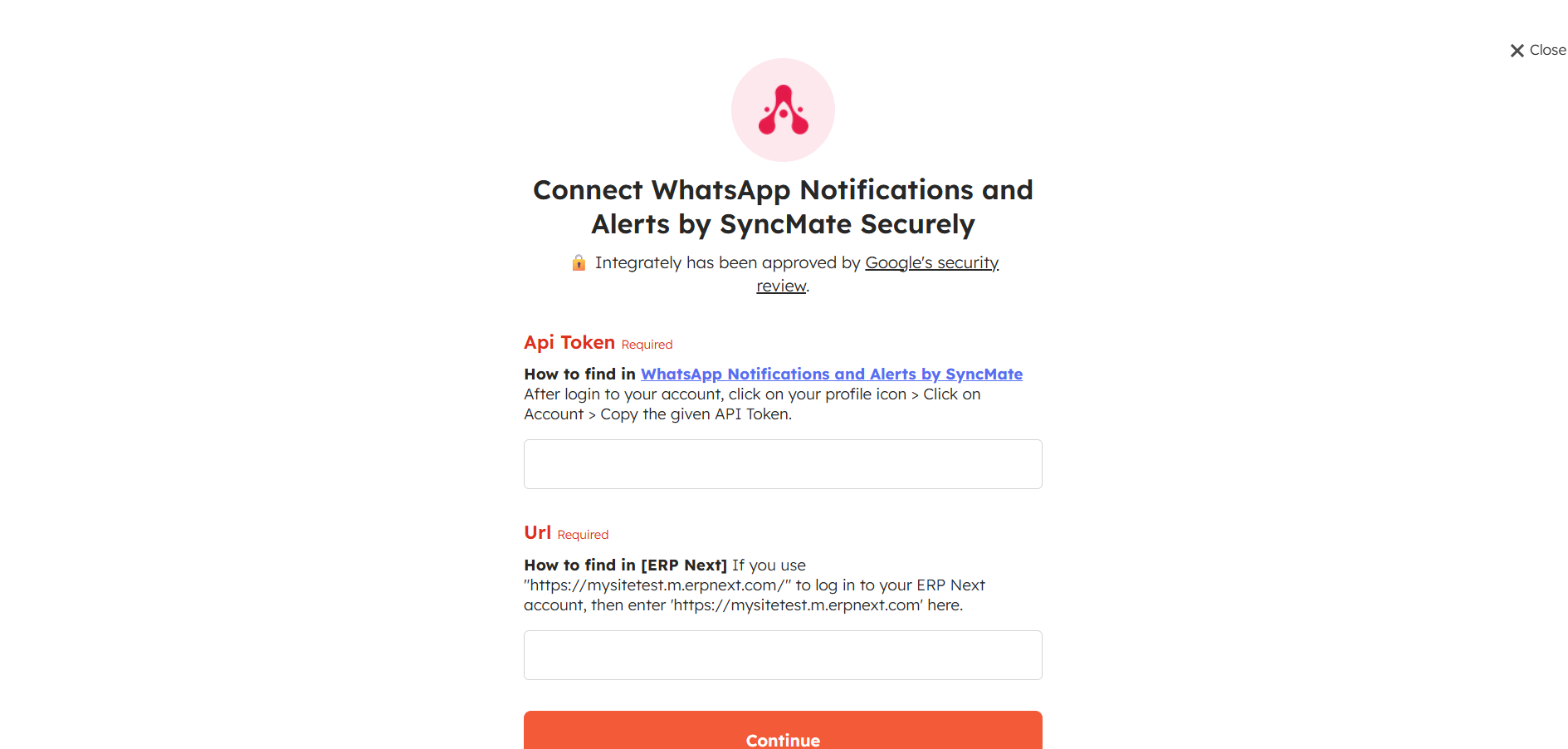
Click on Continue
Step 3: Create Automation Trigger & Action #
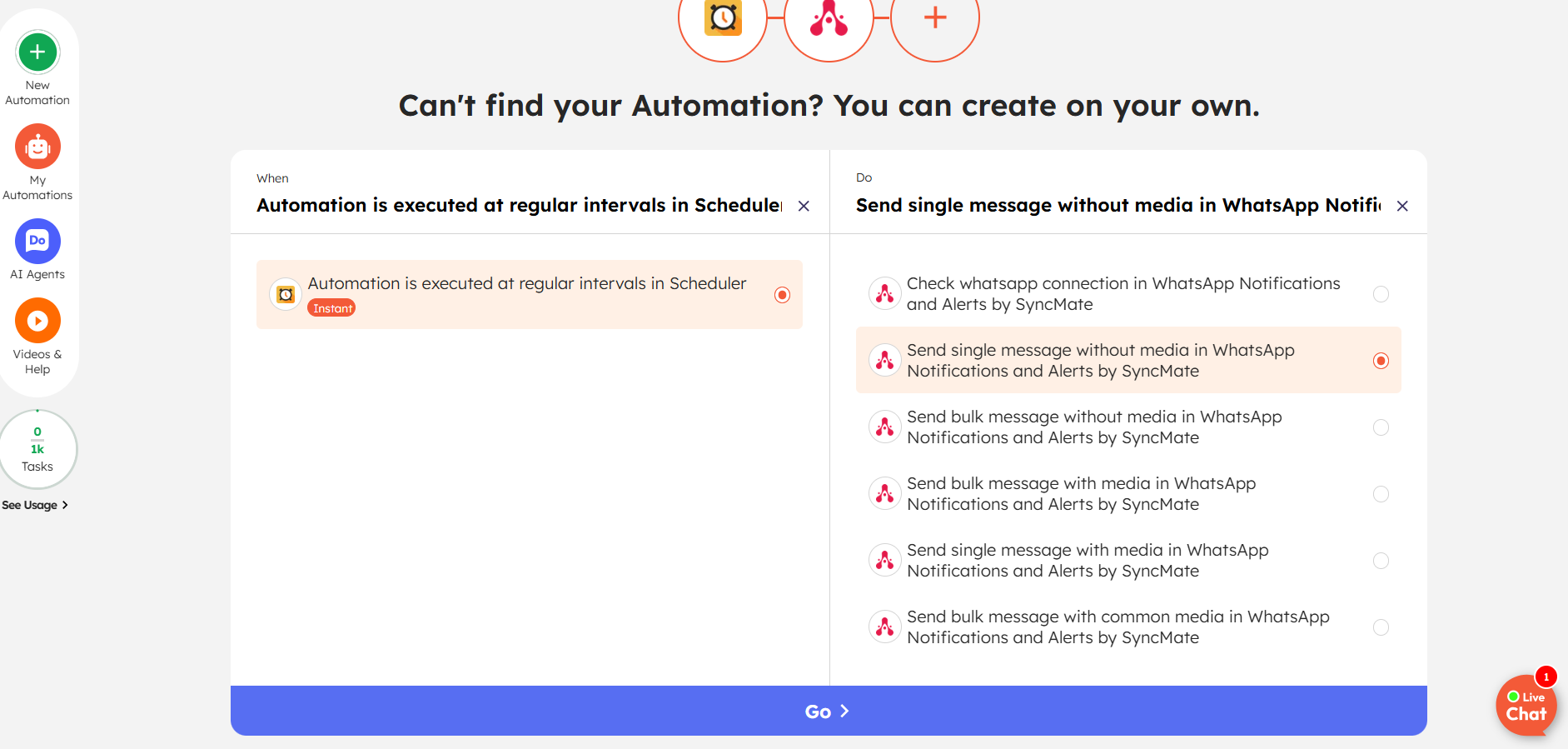
Fill the data as per operation
Send to WhatsApp Notification
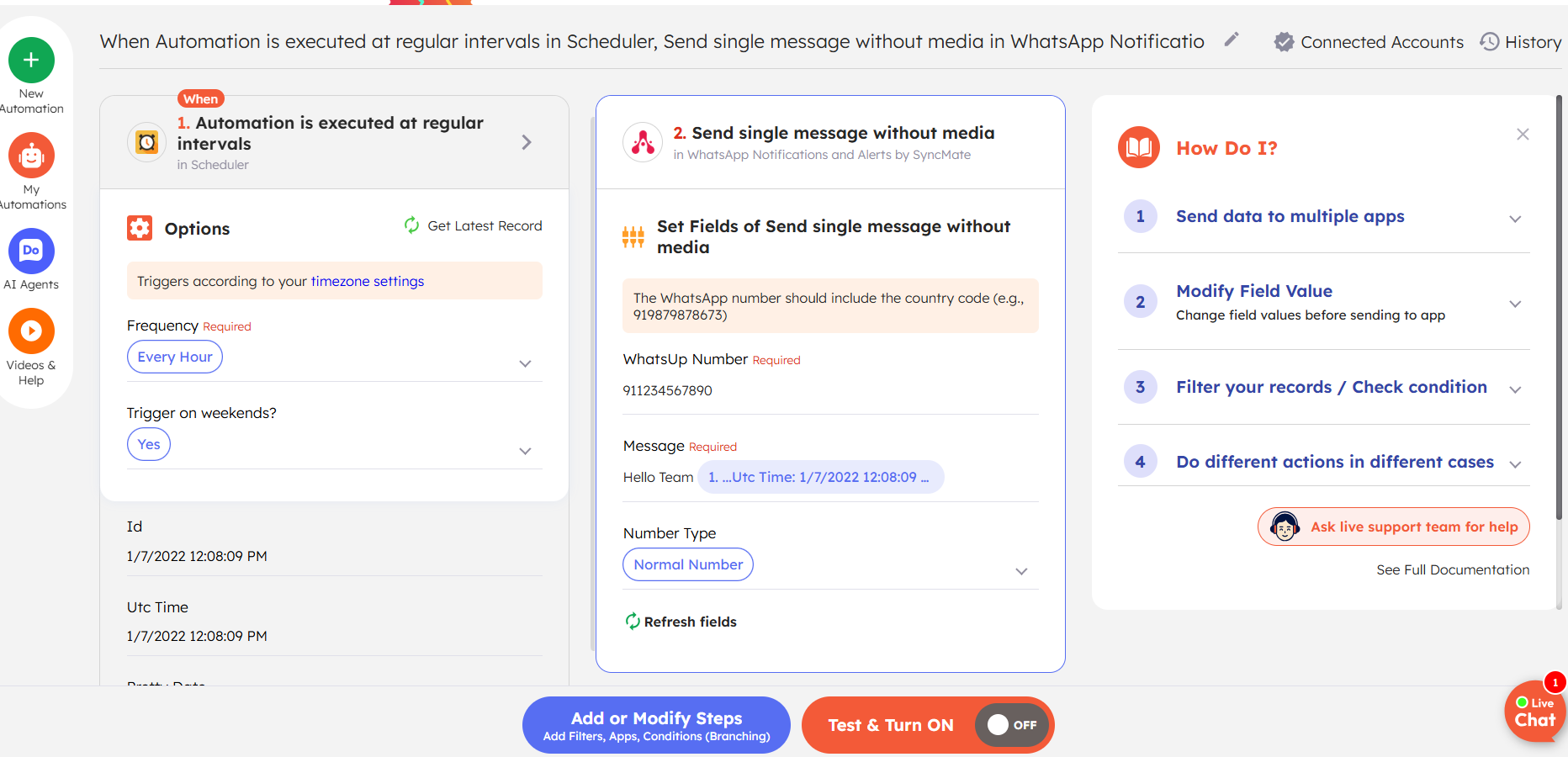
#
Send to WhatsApp Group #
- Enter the Group ID.
- Enter your message.
👉 To fetch the Group ID, follow:
https://assistro.co/user-guide/zapier/how-to-send-message-to-a-whatsapp-group-guide-to-fetch-group-id/
Send to WhatsApp Channel / Newsletter #
- Enter the Channel ID.
- Enter your message.
👉 To fetch the Channel / Newsletter ID, follow:
How to fetch WhatsApp Channel or Newsletter ID – Guide to Fetch Channel or Newsletter ID with Video